How to Get Set Up- Overview
This overview walks org admins through the Setup module in ChildFriendly, showing how to configure organization-wide and center-specific settings so your team can start using the system efficiently.
Last updated 3 months ago
⚠️ Important Setup Instruction: This guide is a basic overview only, for full training see our Organization Set Up course linked below. The videos in this course are in strict sequential order. We strongly recommend watching one video at a time and following along directly in your ChildFriendly setup module—completing the tasks shown in each video before moving on to watch the next one!
🔗 Watch Course Playlist: ChildFriendly Masterclass: Organization Setup
Step 1: Access the Setup Module
Only users with org admin permissions can access the Setup module.
On the left-hand navigation panel, select Setup to open the Setup module.
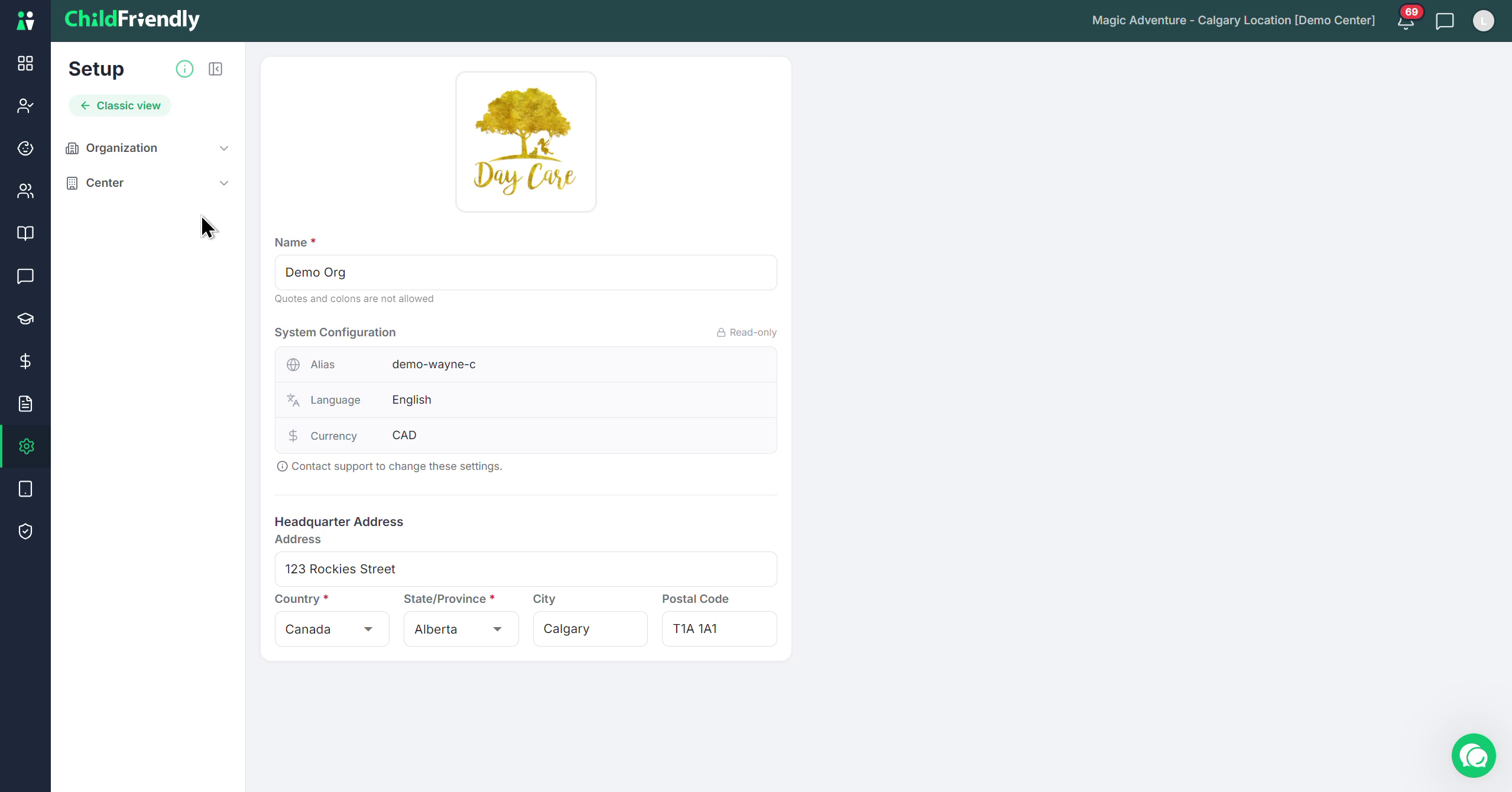
Step 2: Understand the Organization and Center Structure
The Setup module is organized in two main levels:
At the top, you will see the Organization as the main category.
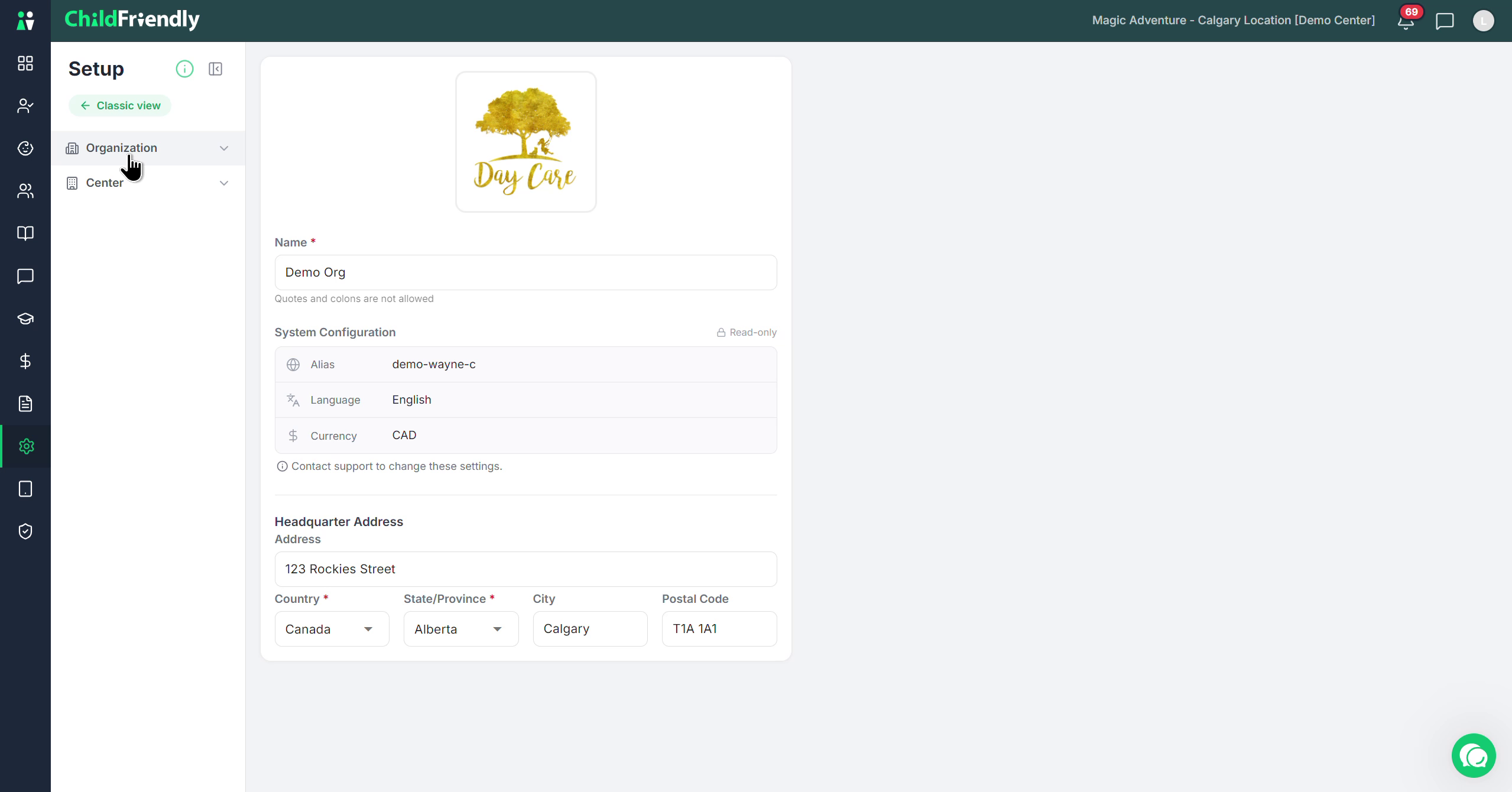
Below that, the configuration options are organized by Center so you can manage each center’s settings individually.
Step 3: Use the Setup Guide for Definitions
At the top of the Setup view, locate the Setup Guide icon.
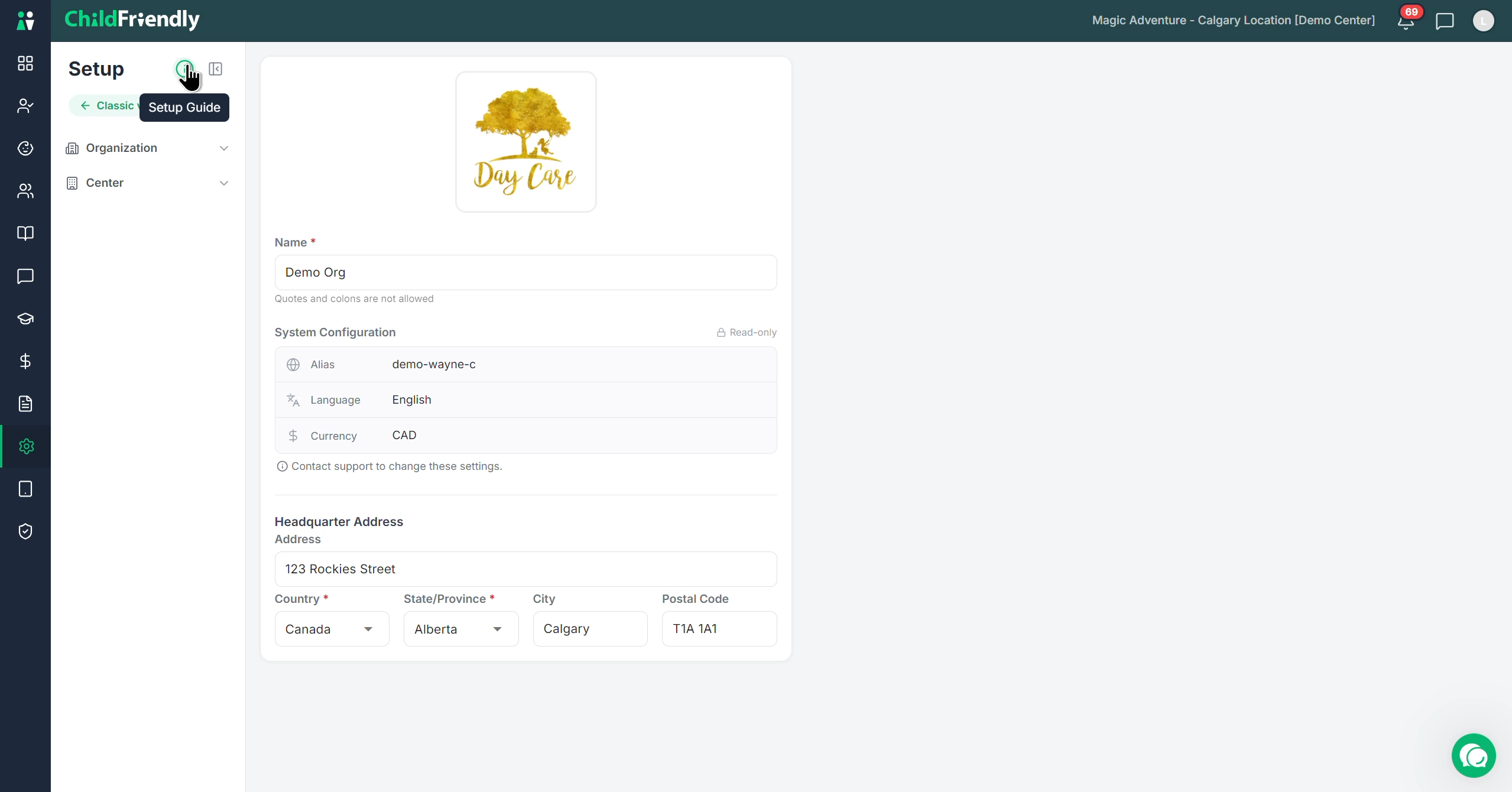
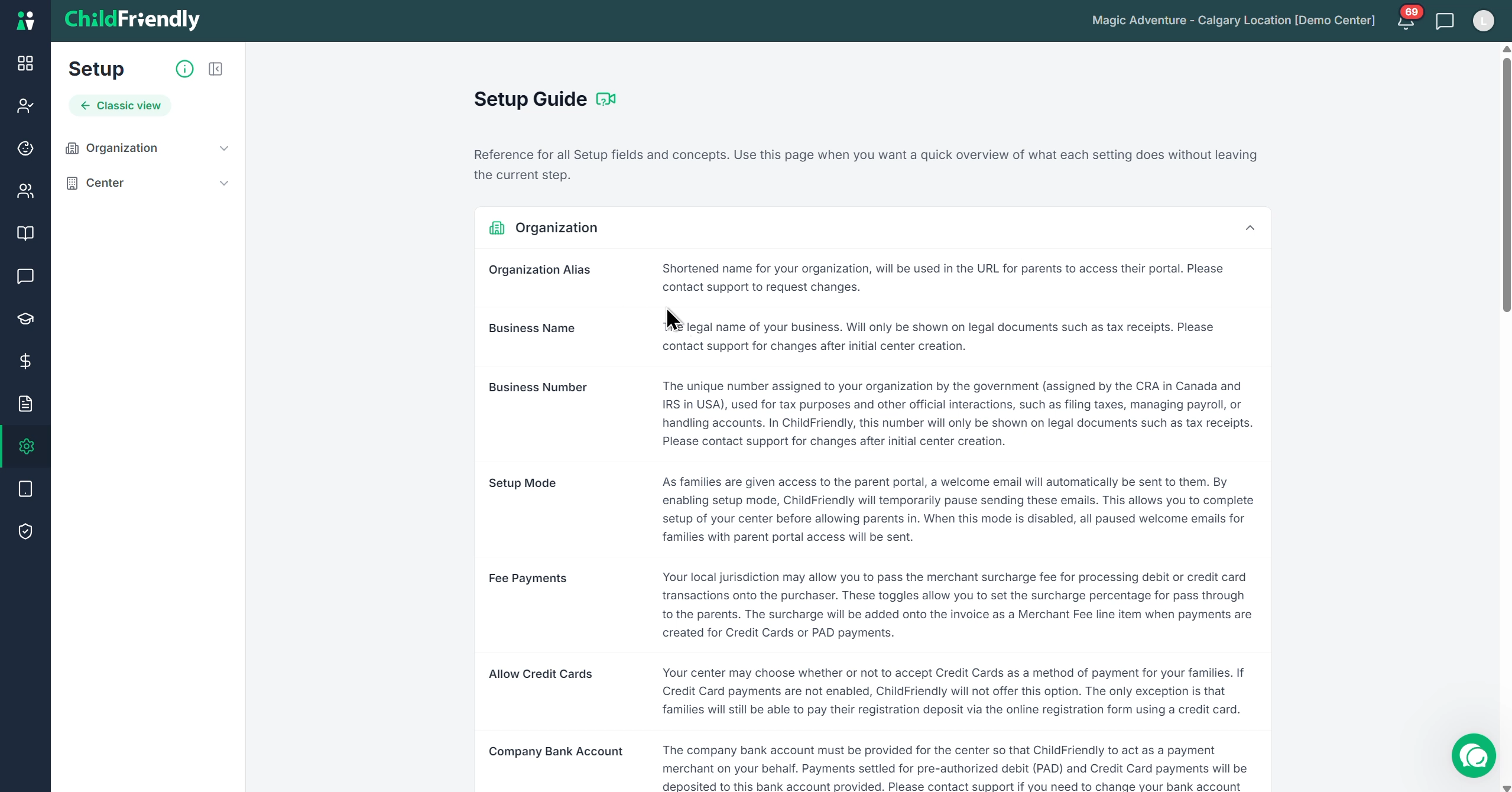
Click the Setup Guide icon to open a list of all the main headers and sections available in this menu.
Expand any header to view helpful definitions and explanations of what each setting or section means.
Step 4: Configure Organization-Level Settings
Begin at the Organization level.
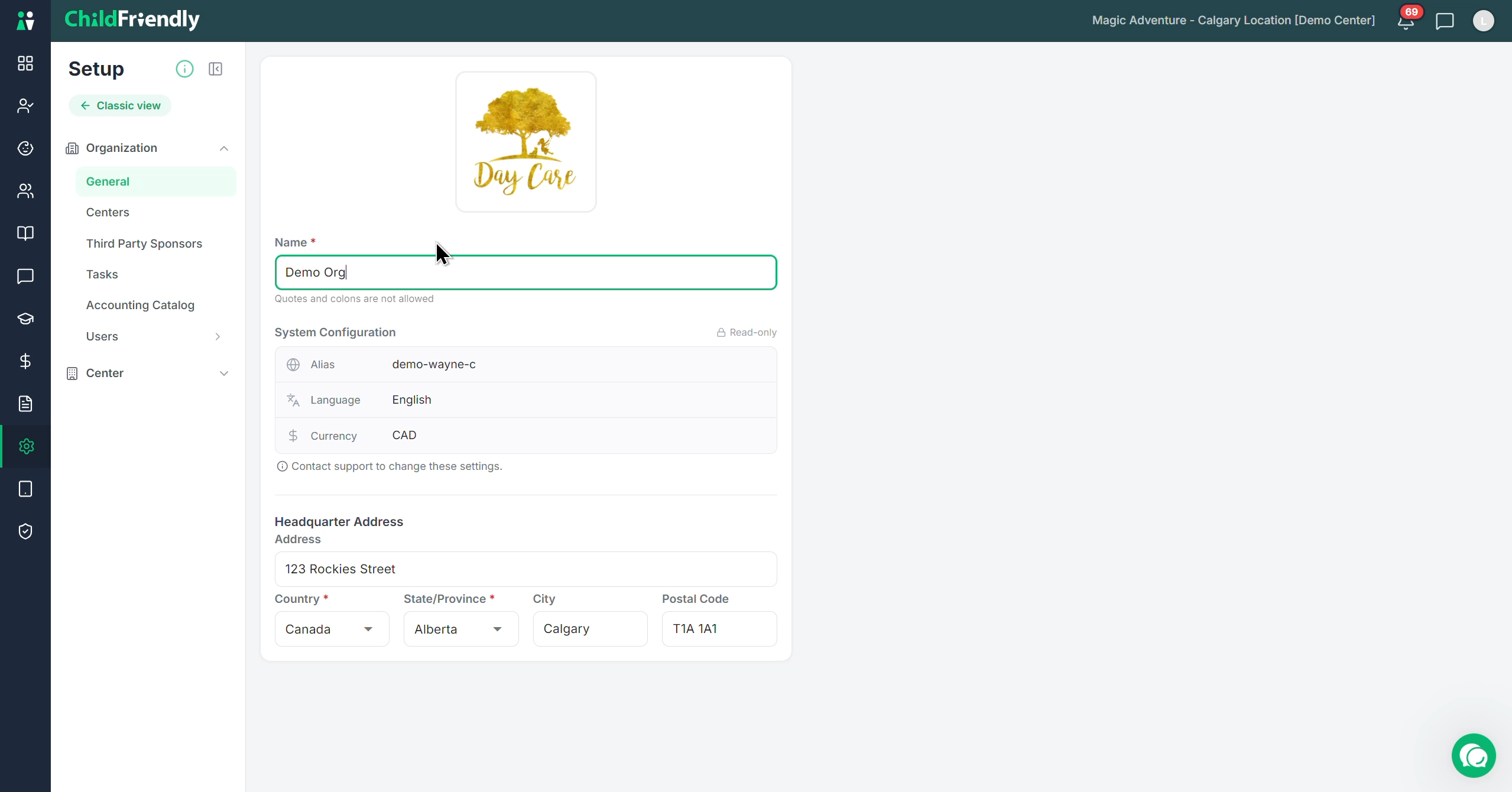
In the General section (the first item under Organization), review and enter any remaining details about your organization and centers. Most of this information may have been entered when your account was created; verify and complete any missing fields.
Continue in the order of the organization-level menu:
Add or update your Centers.
Add Third-Party Sponsors.
Complete any other organization-level sections listed.
Step 5: Configure Center-Specific Settings
After finishing all organization-level details (including adding centers), move to the Center section.
Expand the Center section to see the list of centers.
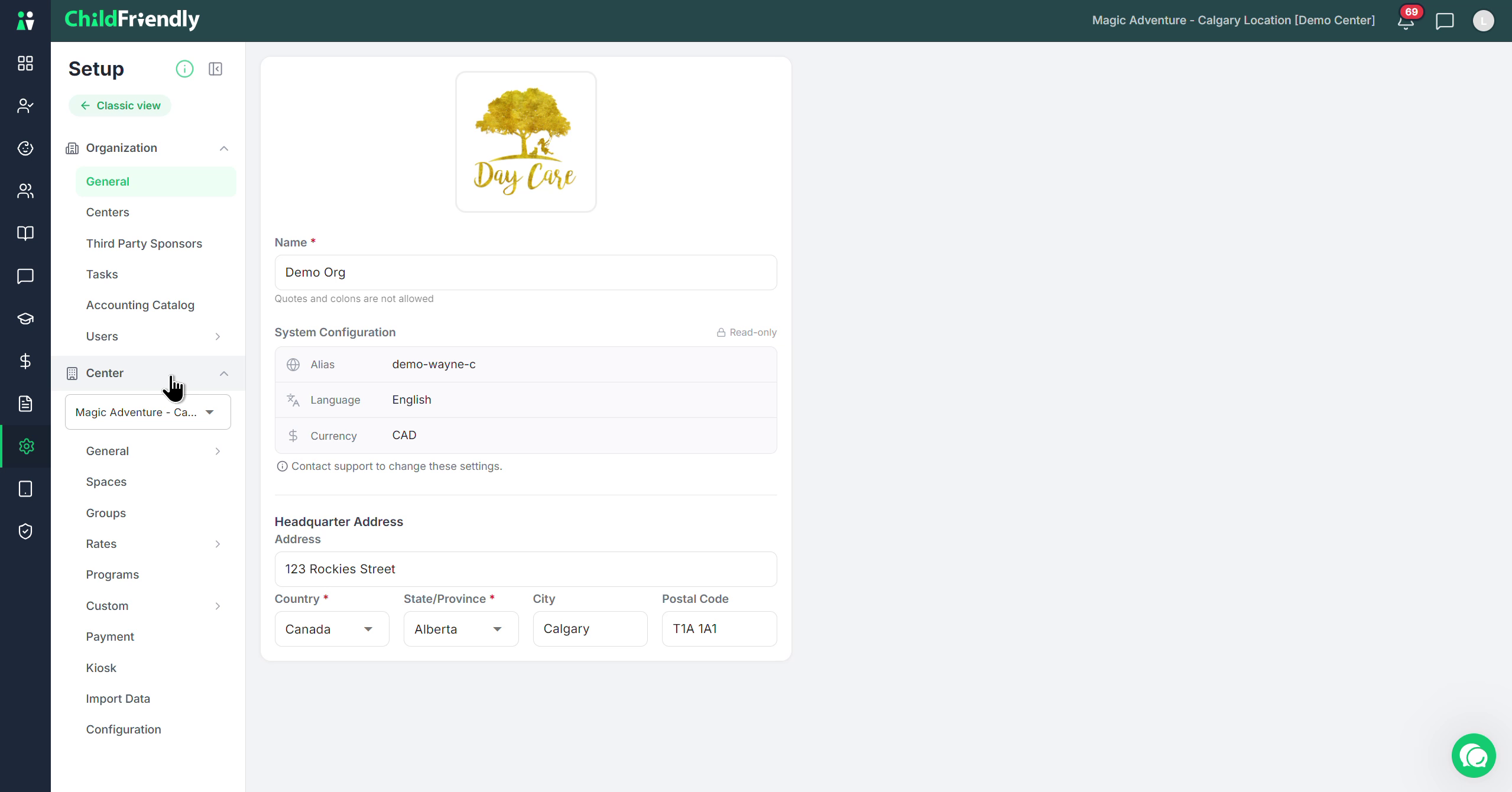
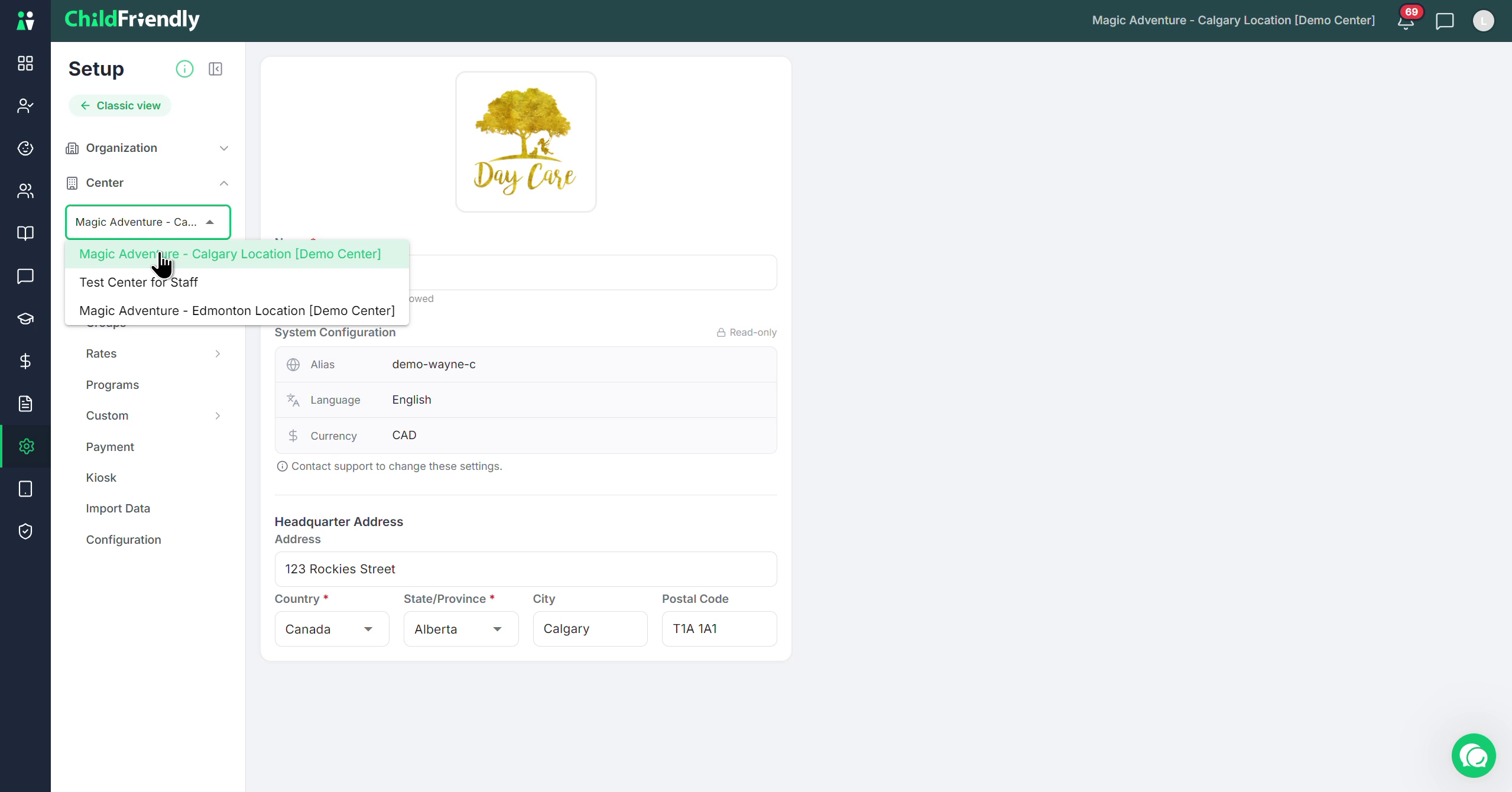
Select the specific center you want to configure.
For the selected center, work through each section and subsection in order, completing all configuration and settings for that center.
Step 7: Repeat Configuration for Each Center
Once you finish configuring one center, move on to the next center in the list.
Select the next center.
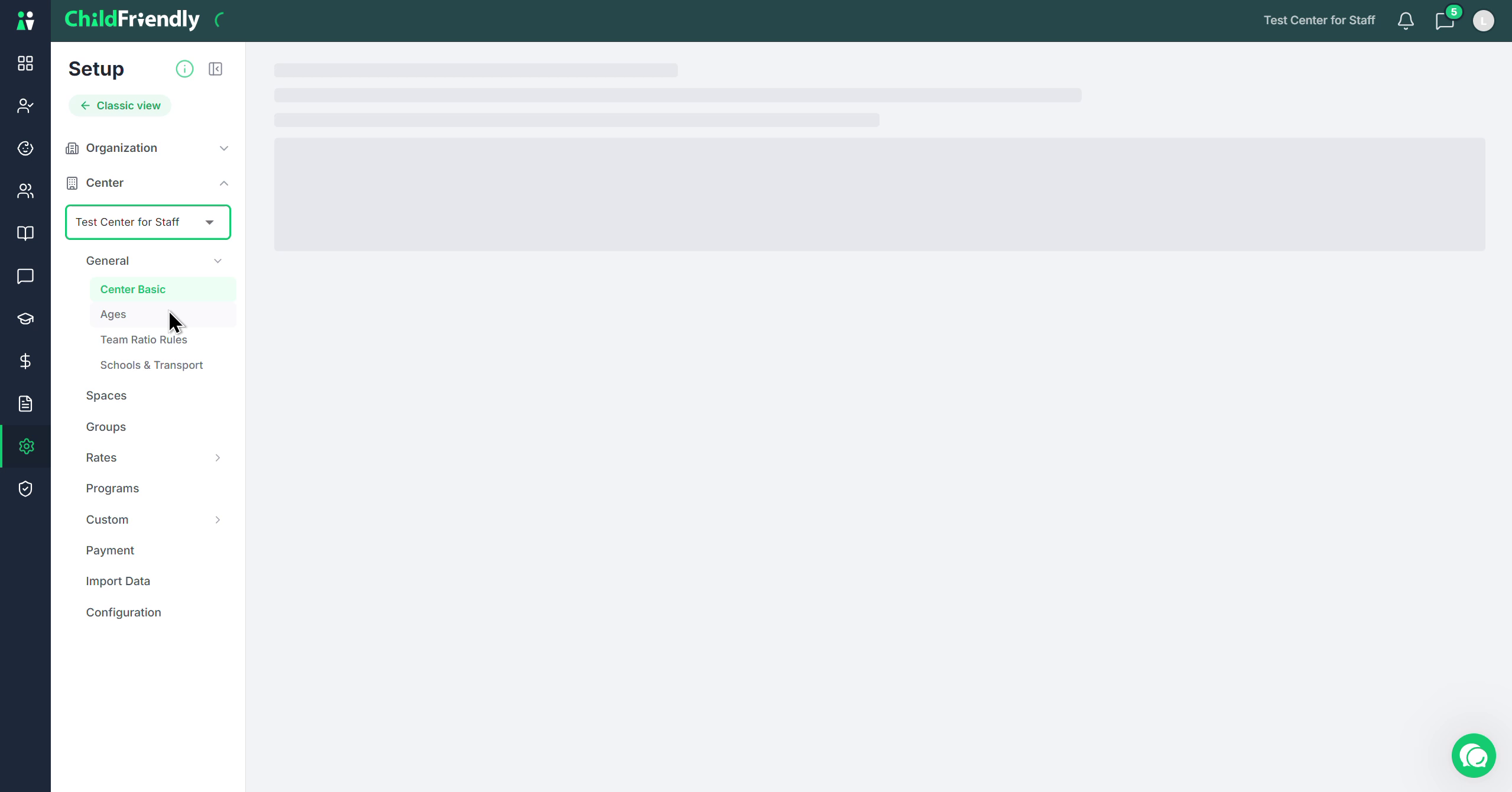
Repeat the same process: complete all relevant configuration sections and subsections.
Ensure each center has all required configurations entered.
When every center is fully configured, your organization will be ready to operate in ChildFriendly.
This overview was designed to give you a great starting point. As you move forward, we highly encourage you to take things one category at a time. For each section you work on, watch its corresponding video first, and then complete that setup step. You can easily find these step-by-step guides inside the Set Up Course, or in our Help Center under Financial and System Configuration. Happy setting up!
Was this helpful?
Still need help? Ask the team