How to Find and Print Tax Receipts
This document explains how to locate, view, email, download, and print tax receipts for sponsors within a family profile in the Families module.
Last updated 3 months ago
Step 1: Open the Family Profile
Navigate to the Families module and locate the family for whom you need a tax receipt. Click to open the family profile.

Step 2: Access the Family Details
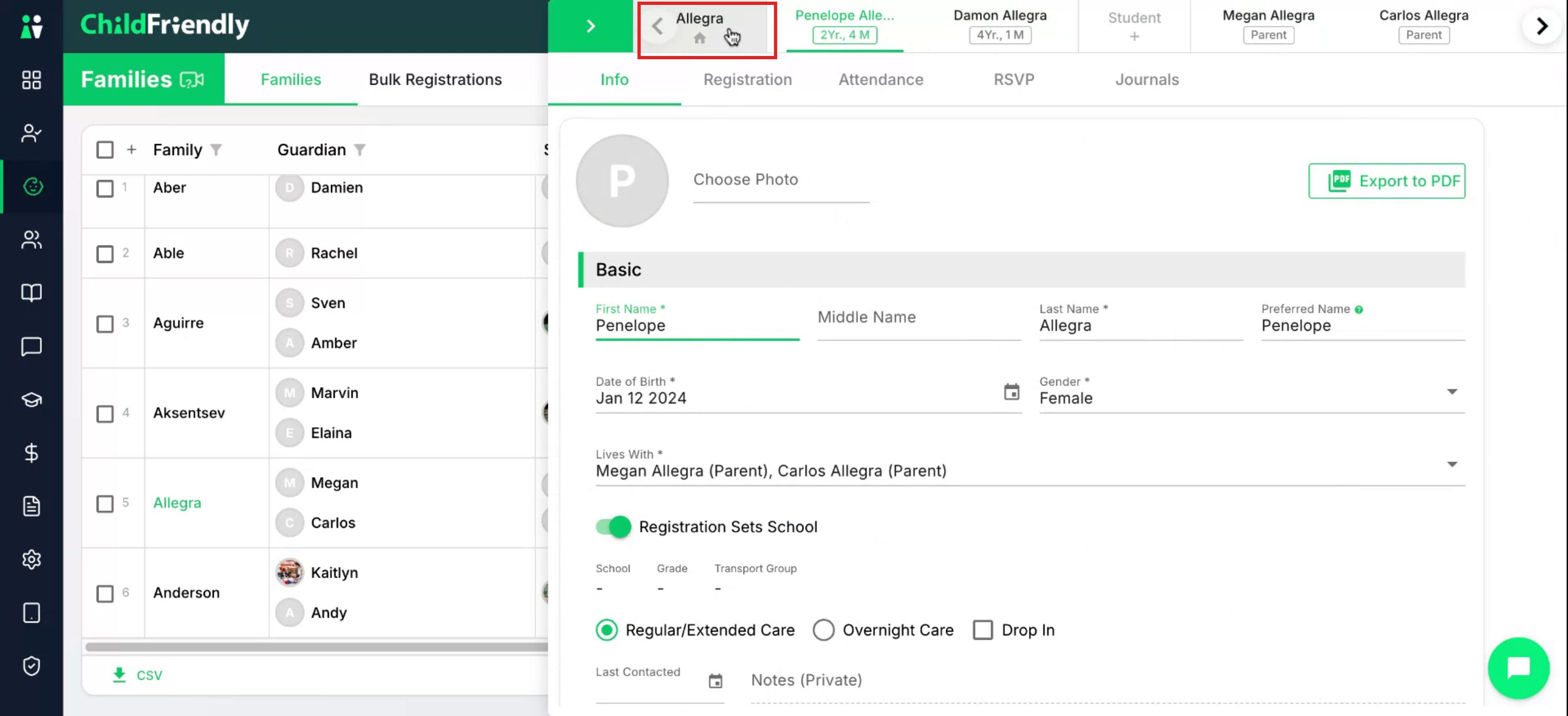
At the top of the family profile, click the family name to open detailed information.
Step 3: Open the Ledger Tab
Click the Ledger tab to view all financial information related to billing.

Scroll down to the Tax Receipt section.
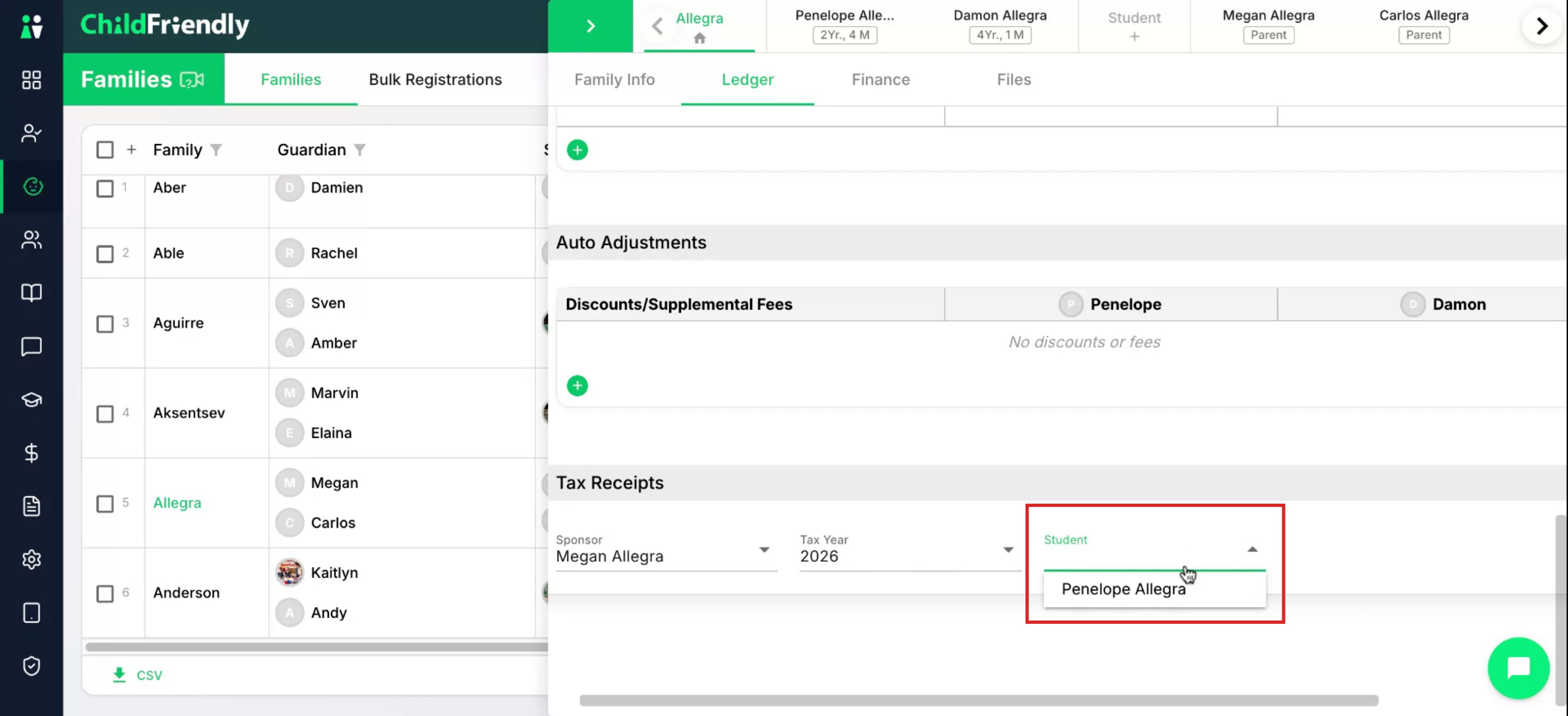
Step 4: Select Sponsor, Tax Year, and Student
In the Tax Receipt section, select the sponsor whose tax receipt you want to view.
Each sponsor has a separate tax invoice that shows only the payments they have made.

Select the appropriate tax year.

Then select the student. If there is more than one child, you can select receipts per child as needed.
Step 5: Email, Download, and Print the Tax Receipt
From the tax receipt options, you may email the PDF directly to the parents, which is helpful if they are having trouble locating it on the portal, or you can download the PDF and then print it.

Was this helpful?
Still need help? Ask the team